
- 3876 Industrial Ave, Rolling Meadows, IL 60008
- Info@auctuselectro.com
- 3876 Industrial Ave, Rolling Meadows, IL 60008
- Info@auctuselectro.com

- Home
- Data Cable

The Complete Data Cable Guide:6 Things Every User Should Know
You probably touch a data cable every single day—Plugging in your phone, charging your laptop, or transferring files to a hard drive. Yet most people know almost nothing about the wire they rely on so heavily. Not all cables are created equal, and picking the wrong one can mean slow charging, corrupted transfers, or even damage to your devices.
This guide covers six practical topics: the types of cables available, how to choose the right one, common problems and fixes, the truth about charging and transfer speeds, care tips to make cables last, and whether pricier cables are actually worth the money.
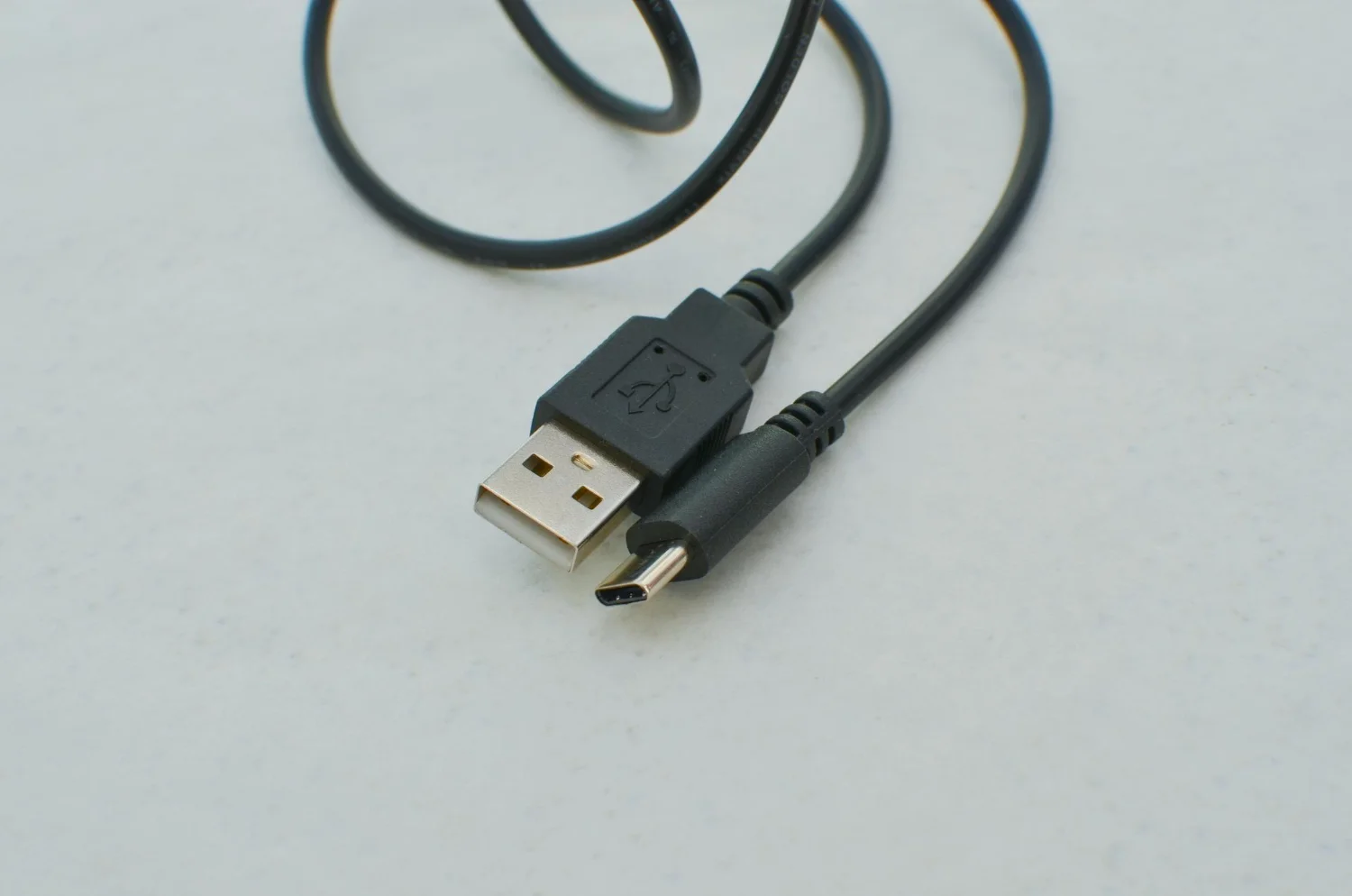
Understanding the Different Types of Data Cables
Data cables aren’t one-size-fits-all, as each type serves a different purpose:
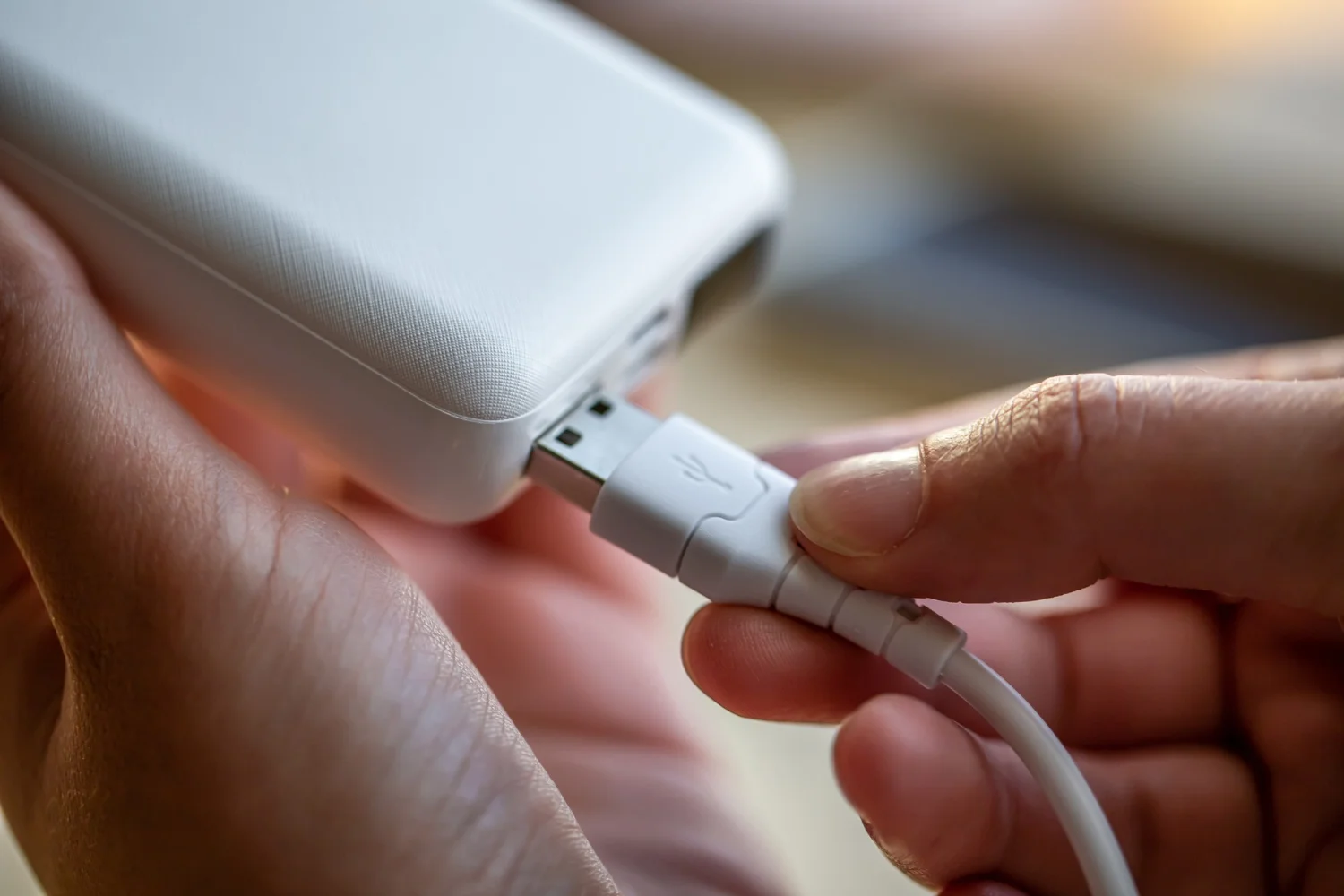
- USB-A to USB-C: The most common cable today, used for charging phones, tablets, and accessories. USB-A is the older rectangular connector, while USB-C is the newer reversible one.
- USB-C to USB-C: Found on newer laptops, phones, and power banks, supporting faster charging and higher transfer rates than older standards.
- Lightning Cable: Apple’s proprietary connector, used on iPhones (until recently) and select accessories. It is compact and durable, but locked to Apple’s ecosystem.
- Micro-USB: An older standard still found on budget electronics and accessories like headphones or controllers, which is gradually being phased out.
- Thunderbolt Cables: Used with high-end laptops, external displays, or storage, moving massive amounts of data extremely quickly—ideal for video editors and professionals.
How to Choose the Right Cable for Your Needs
Not every cable performs the same, even with identical-looking connectors:
- Check the wire gauge: Thicker wires (lower AWG numbers) generally handle more Power and charge faster.
- Look for certification: USB-IF or MFi-certified cables are tested for safety and performance. Uncertified cables are more prone to overheating or port damage.
- Match cable to charger: A high-wattage charger paired with a weak cable won’t deliver fast charging—the cable becomes the bottleneck.
- Consider length and durability: Longer cables lose more power over distance, while braided cables resist fraying far better than basic rubber-coated ones.
- Think about your use case: Filmmakers moving huge video files need a cable rated for high-speed transfer, not just charging.
Critical Quality, Testing, and Safety Standards
To ensure long-term durability and prevent device damage, high-performance cables and custom assemblies undergo essential manufacturing diagnostics:
- Dielectric Voltage Withstand (Hipot) Testing: Applies high voltage across insulation walls to verify zero Electrical leakage or arcing.
- Continuous Spark Testing: Detects microscopic jacket pinholes instantly during high-speed extrusion processes.
- Accelerated Thermal & Mechanical Strain Testing: Simulates thousands of bend cycles and high temperatures to confirm connector strain relief and long-term flexibility.
- Chemical & Abrasion Resistance Profiling: Evaluates outer jacket resilience against daily wear, oils, and environmental solvents.
Common Data Cable Problems and How to Fix Them
- Slow charging: Often caused by a damaged cable, low-quality build, or a dusty port. Clean the port gently and test another cable before blaming your charger.
- Device not recognized for transfer: Some cables are charge-only. If your computer won’t detect your phone, confirm the cable supports data, not just power.
- Frayed or exposed wiring: This is a safety hazard—stop using it immediately, as exposed wires can spark a short Circuit.
- Loose connections: If charging only works at certain angles, the connector pins are likely bent or worn, signaling it’s time for a replacement.
- Overheating cables: Common with counterfeit or cheap cables. Disconnect immediately if a cable feels hot.
Fast Charging and Data Transfer Speeds Explained
Marketing terms like “fast charging” and “high-speed transfer” don’t always mean the same thing across brands.
Fast charging depends on three factors: the charger’s wattage, the cable’s Power capacity, and the device’s own charging limits. Even the best cable can’t force a device to charge faster than its hardware allows.
Transfer speed depends on the USB standard. USB 2.0 handles basic tasks, while USB 3.0, 3.1, and 3.2 offer progressively faster transfers for large files. Thunderbolt and USB4 sit at the top, fast enough for professional video editing and external SSDs.
Simple Tips to Make Your Cables Last Longer
Good habits dramatically extend a cable’s lifespan:
- Avoid sharp bends, especially near the Connector where fraying usually starts.
- Unplug by gripping the connector, never the cord.
- Use organizers or clips to prevent tangling and strain.
- Store cables loosely coiled, not tightly wound.
- Keep cables away from pets, since chewing is a common cause of damage.
- Avoid prolonged exposure to extreme heat or direct sunlight.
Are Expensive Cables Worth It? Cost vs. Quality
It’s tempting to grab the cheapest cable on the shelf, but the price difference often reflects real performance gaps.
- Where cheap cables cut corners: Budget cables frequently use thinner copper wiring, skip safety certifications, and lack proper shielding—leading to slower charging, unreliable data transfer, and a shorter lifespan.
- What premium cables offer: Reputable brands invest in better materials, reinforced connectors, and certified chips that communicate properly with your device, resulting in safer and more consistent performance.
- The middle ground: You don’t need to buy the most expensive option on the market. Mid-range, certified cables from known brands typically offer the best balance of durability and price, without the premium markup of flagship accessory brands.
- When it’s worth splurging: If you rely on a Cable daily, travel frequently, or use it for professional data transfer, investing in a higher-quality option pays off through fewer replacements and reduced risk to your devices.
1.Why does my phone charge slowly with some cables but not others?
The cable’s wire gauge and certification determine how much power it can safely carry—thin or uncertified cables simply can’t keep up.
2.Can a bad cable damage my phone?
Cheap or damaged cables can cause overheating, port wear, and in rare cases, battery damage.
3.Do I need a different cable for data transfer than for charging?
 Sometimes. Some budget cables are charge-only, so check the specs if you need to move files too.
4.How often should I replace my cables?
 Replace at the first sign of fraying, overheating, or inconsistent charging—don’t wait for it to fail completely.
5.Is a more expensive cable always better?
 Not always, but certified, mid-range cables from trusted brands are almost always safer and more reliable than the cheapest option available.
That cable sitting on your desk is doing more work than it gets credit for, and how you treat it directly affects your device’s health, your charging speed, and how often you’re stuck buying replacements. You don’t need to become an expert overnight. Just remember this: check the certification, match the cable to your charger, and replace it the moment it shows signs of wear. That one habit alone will save you money, protect your devices, and spare you the next “why won’t this charge” moment.